
Set PIN
It is possible to use PIN for signing instead of password.
A PIN consists of 4 to 6 digits.
To use a PIN for signing, a user must first set the PIN and then enable it.
To set the PIN, click “SET PIN” button.
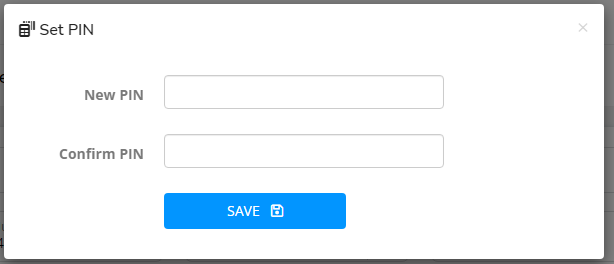
Enter PIN twice, click “SAVE” and sign.
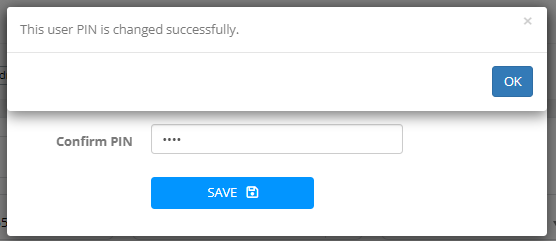
You will return to the user profile form.

Click "Use PIN for signing" checkbox, click "SAVE" and sign.
The user can now use the PIN for signing.

Click "Change PIN" and set a new PIN if you want to modify it.
Last updated