
Forgotten password
If you forgot your password, you may reset it from the log-in form.
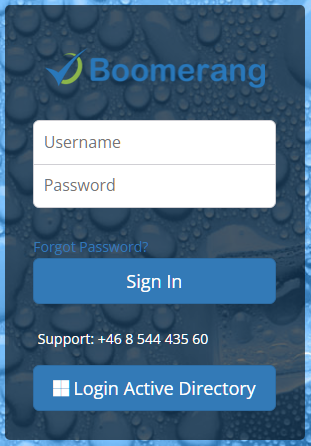
Click “Forgot Password?” link.
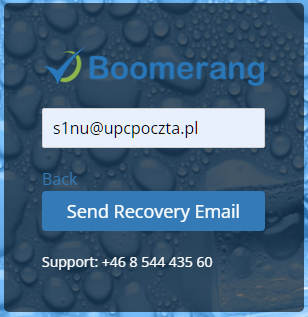
Enter your email address that is used as a username and click “Send Recovery Email”.
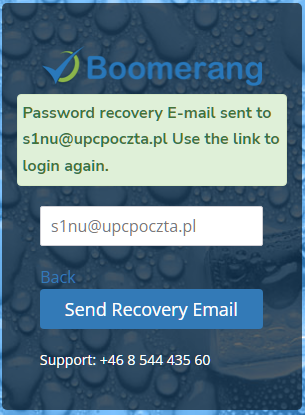
After few minutes you will receive an email with a link to reset the password.
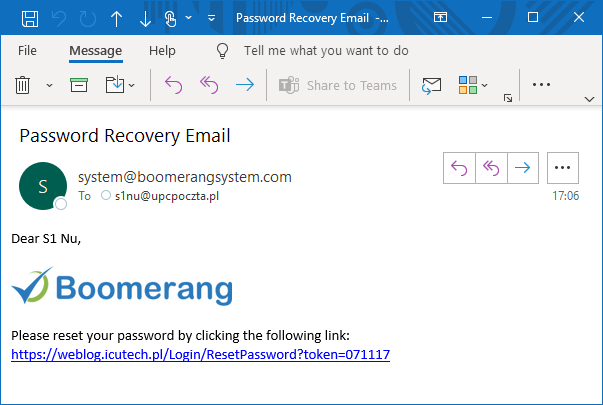
Click the link to open a password reset form.
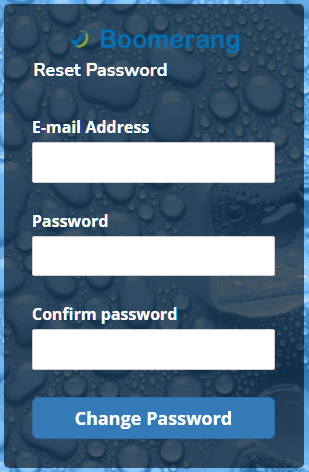
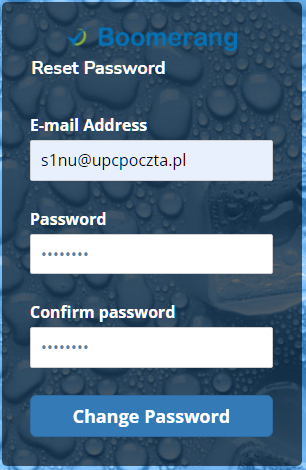
Enter your email address and a new password in “Password” and “Confirm password” fields.
Click “Change Password”.
A login page will open. Use a new password to login.
Last updated