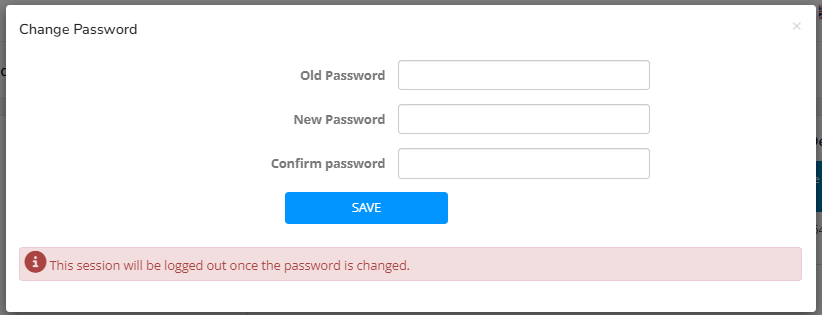
Click the “CHANGE PASSWORD” button to change the password.
Enter old password and new password twice, click “Save” and sign.
A confirmation message shall be displayed.
Click OK.
The user will be logged out to the login page.
Login using your new password.
Last updated 2 months ago